Back buttons
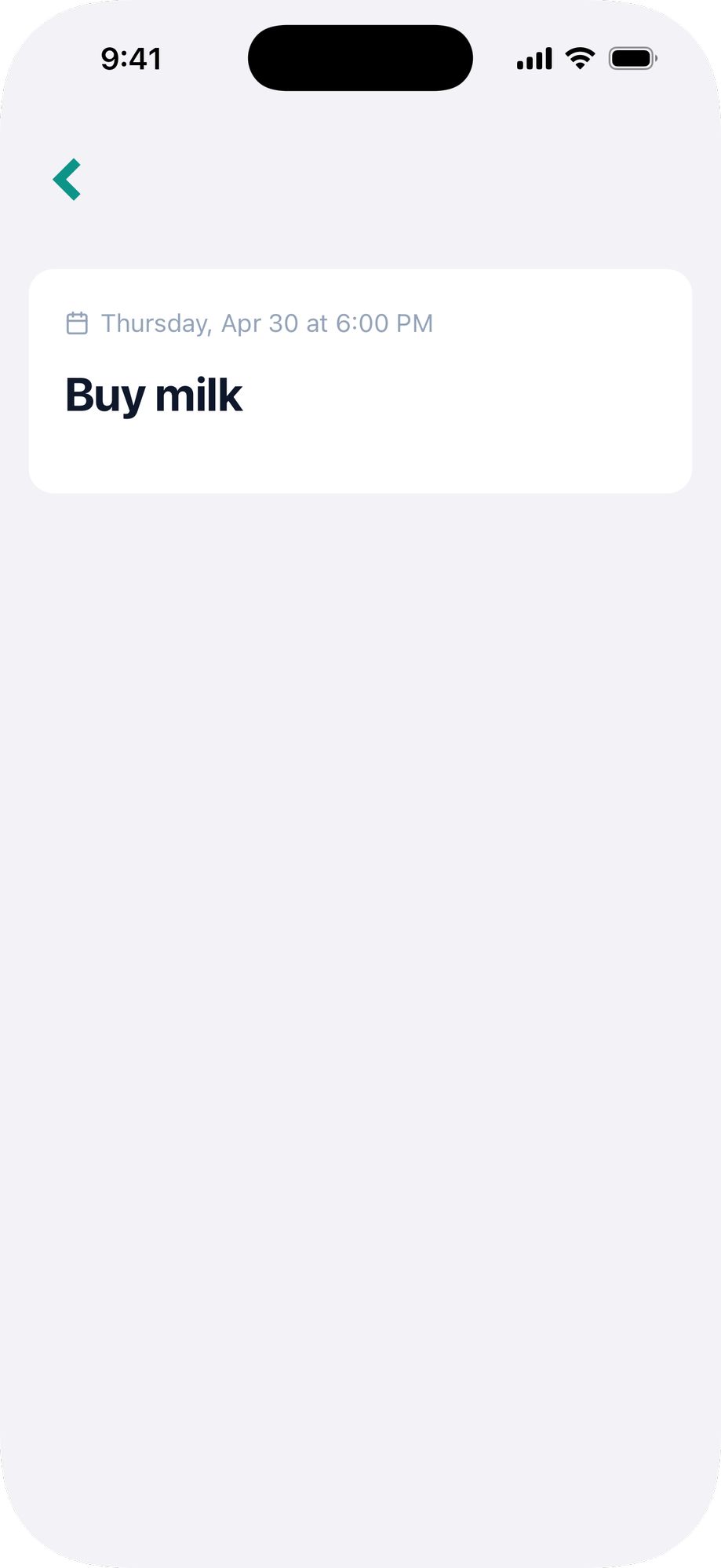
Ruby Native can show a back button when there is navigation history. The gem ships a small CSS file that handles showing and hiding the button automatically.
We recommend using the native navigation bar instead. The native navbar handles back navigation automatically, gives you a system-styled back button on every pushed screen, and supports buttons, menus, and submit buttons out of the box. Reach for
native_back_button_tagonly if you're keeping a fully custom web header.
#Setup
Add the gem's stylesheet to your layout <head>:
<%= stylesheet_link_tag :ruby_native, "data-turbo-track": "reload" %>
#Usage
Use the native_back_button_tag helper wherever you want the back button to appear:
<%= native_back_button_tag %>
The button is hidden by default and only shows when there is somewhere to go back to. Place it in your navbar and it appears automatically.
Pass custom text and HTML options:
<%= native_back_button_tag "Go back", class: "btn btn-link" %>
#Inertia (React & Vue)
Use the NativeBackButton component. It carries the native-back-button class, which the gem's stylesheet hides by default and shows when there is history to go back to. With no children it renders the same chevron as the ERB helper; pass children for your own label.
import { NativeBackButton } from "@ruby-native/react"

<NativeBackButton />

{/* Or with your own label and classes */}
<NativeBackButton className="btn btn-link">Back</NativeBackButton>
<script setup>
import { NativeBackButton } from "@ruby-native/vue"
</script>

<template>
  <NativeBackButton />

  <!-- Or with your own label and classes -->
  <NativeBackButton class="btn btn-link">Back</NativeBackButton>
</template>
Extra attributes pass through to the underlying <button>, and your class names merge with native-back-button rather than replacing it. In React, an onClick prop runs before the back navigation, so calling preventDefault() in it cancels the navigation.
When using a navigation bar, back buttons are handled automatically and you don't need this helper.