Push notifications
Configure APNs credentials so your Rails server can send push notifications to iOS devices. If you haven't yet, set up the Rails side first.
#Create an APNs key
To send push notifications, you need an APNs key from your Apple Developer account. This is a separate key from the App Store Connect API key used for builds.
- Sign in to developer.apple.com/account.
- In the middle column, click Keys (under Certificates, Identifiers & Profiles).
- Click the + button to register a new key.
- Enter a name you'll recognize, like "Ruby Native Push".
- Check the Apple Push Notifications service (APNs) checkbox. Leave everything else unchecked.
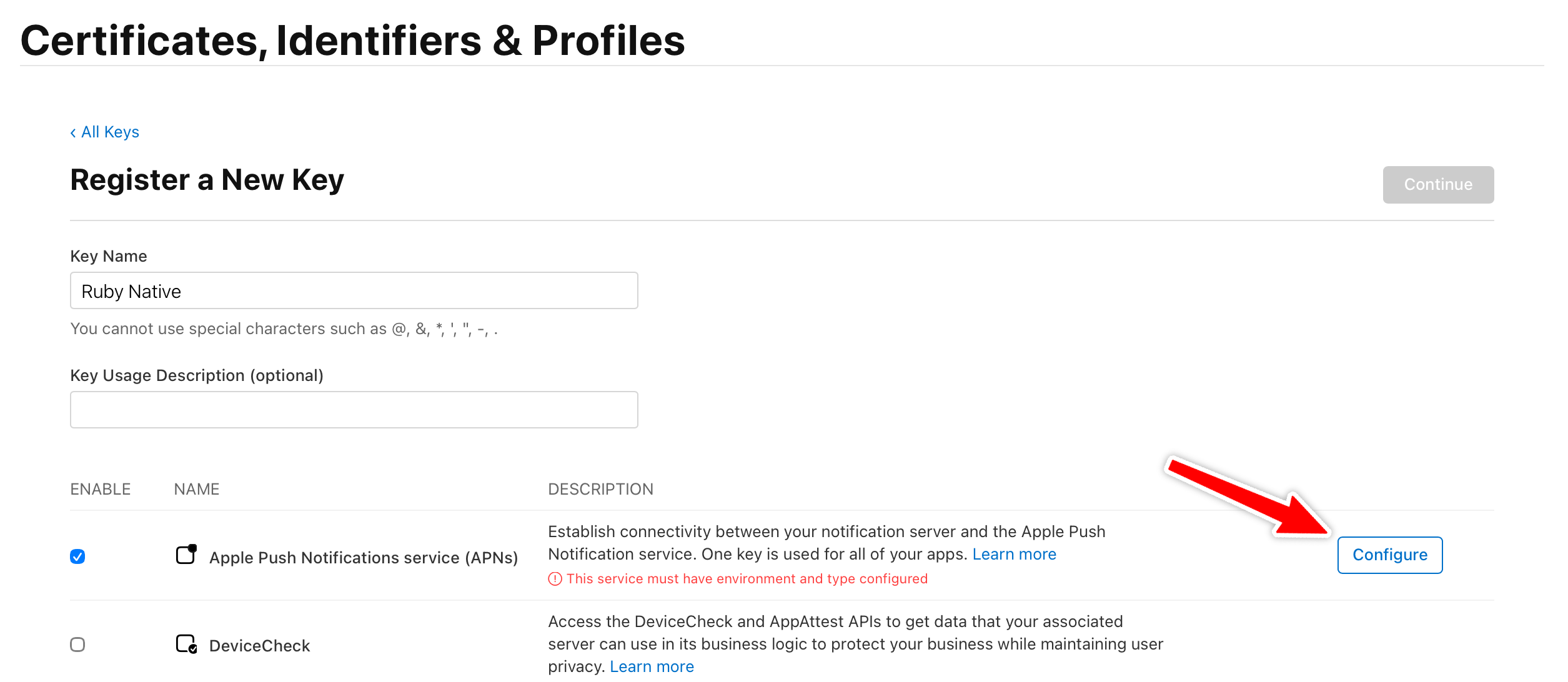
- Click Configure next to the checkbox.
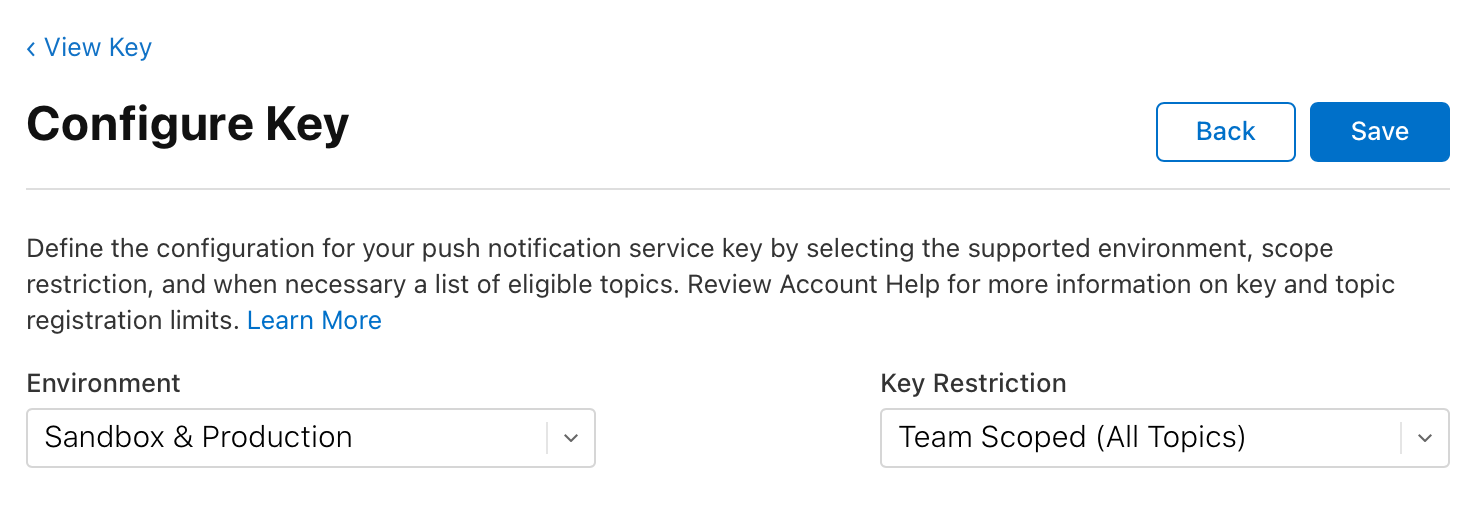
- Select Sandbox & Production for Environment.
- Ensure Key Restriction is set to Team Scoped (All Topics).
- Click Save, then Continue, then Register.
After registering, you'll see a confirmation page with your Key ID (a 10-character string) and a Download button for the .p8 file.
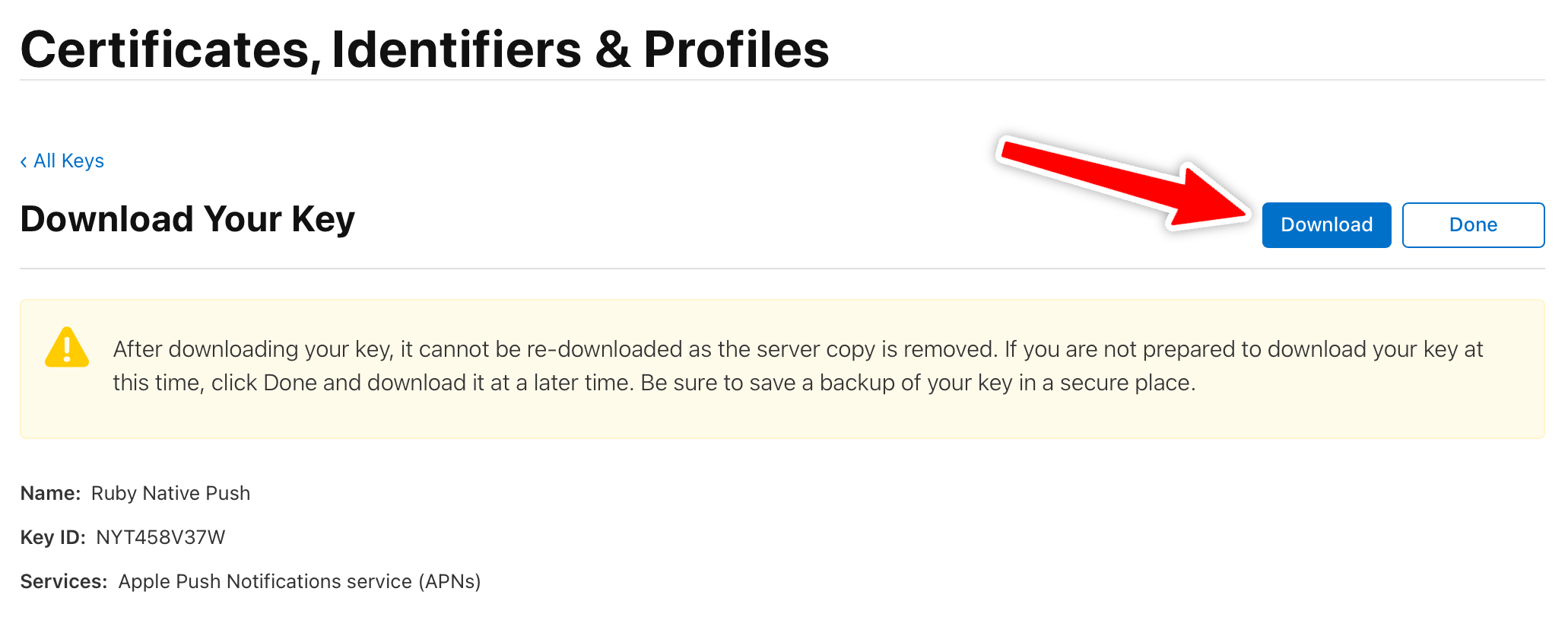
Important: Apple only lets you download the .p8 file once. If you lose it, you'll need to revoke the key and create a new one.
A single APNs key works for every app under your Apple Developer team. You don't need to create a new one per app. APNs keys also never expire.
#Configure APNs credentials
The installer creates config/push.yml. Add your Apple credentials so the gem can send notifications through APNs:
# config/push.yml
shared:
  apple:
    key_id: <%= Rails.application.credentials.dig(:apns, :key_id) %>
    team_id: <%= Rails.application.credentials.dig(:apns, :team_id) %>
    topic: com.yourcompany.yourapp
    encryption_key: <%= Rails.application.credentials.dig(:apns, :encryption_key)&.dump %>
- key_id: from the APNs key you just created.
- encryption_key: the full contents of the
.p8file. - team_id: your Team ID.
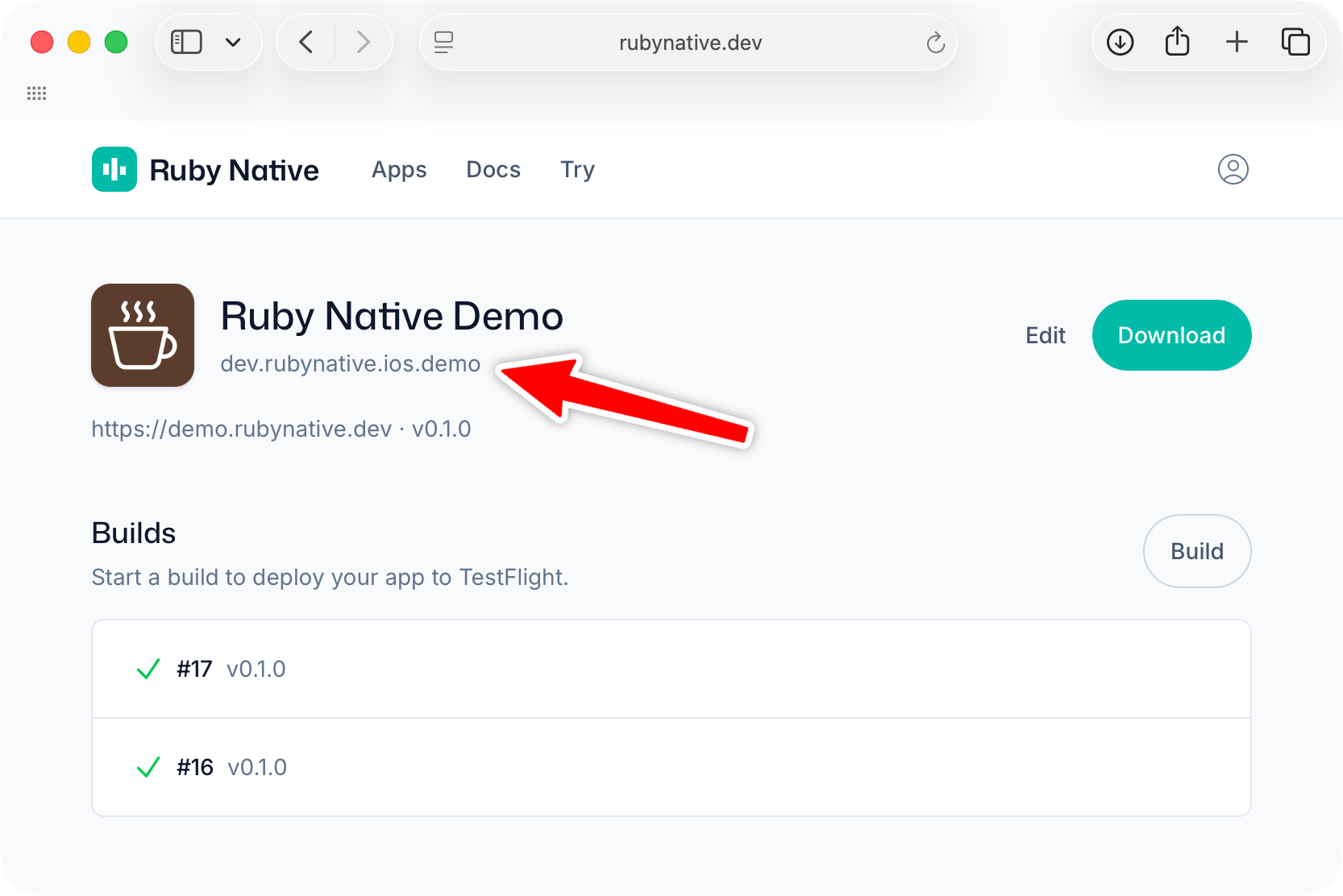
- topic: your app's bundle ID. You can find this on your app's settings page in the Ruby Native dashboard.