Keyboard
By default, iOS renders a toolbar above the keyboard whenever a form field is focused, with previous and next arrows and a Done button. Disable it with the native_keyboard_tag tag.
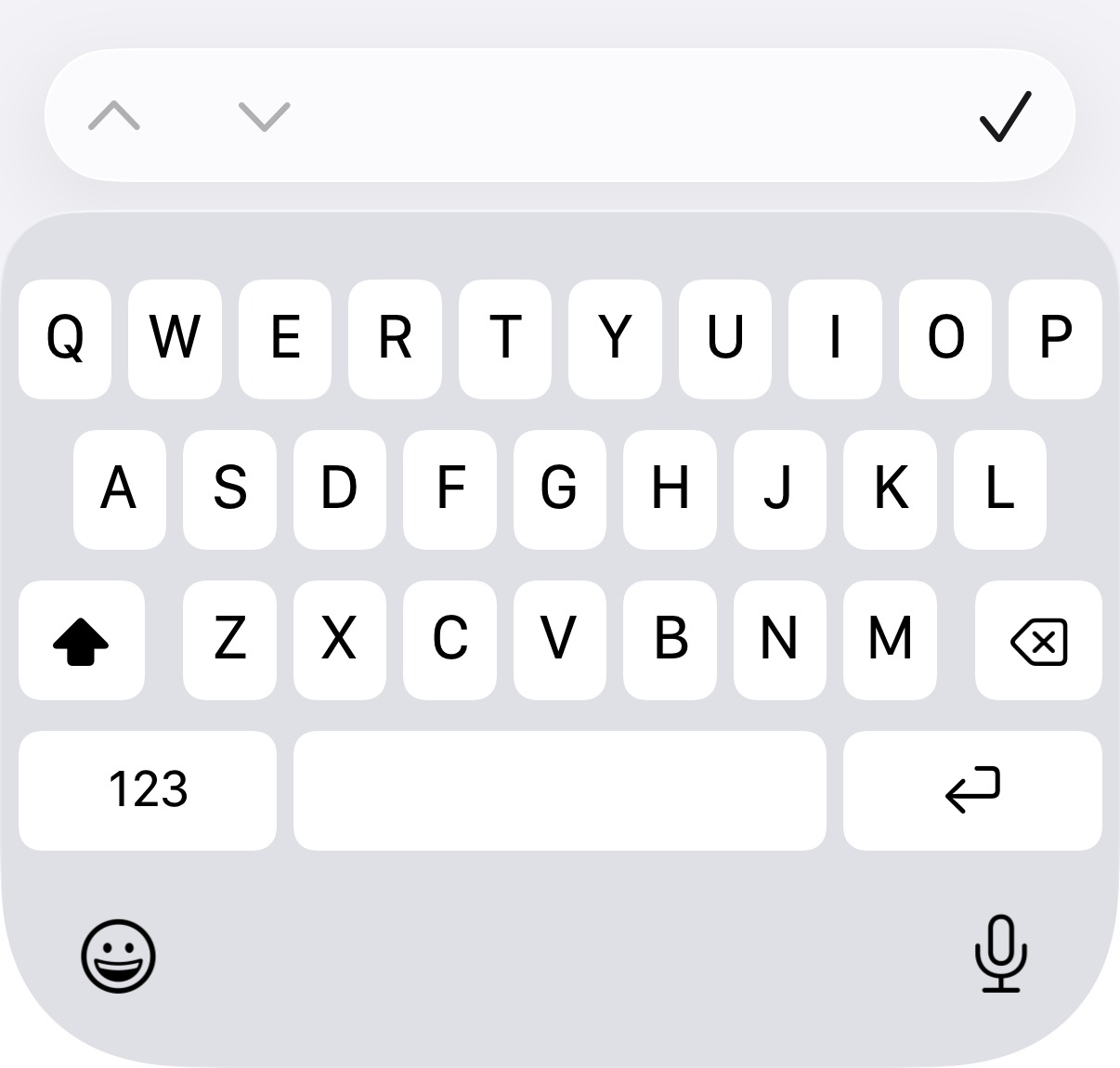
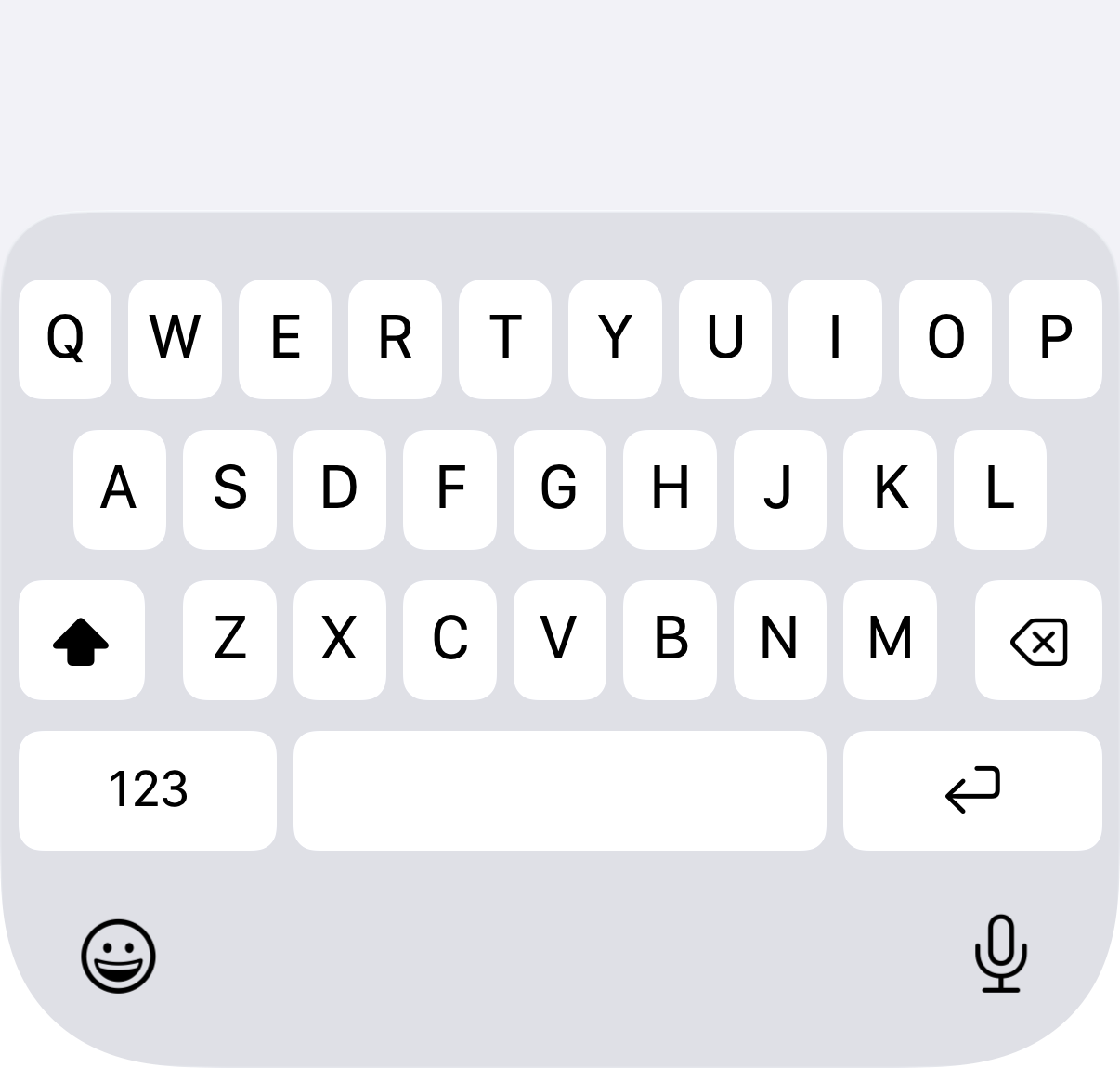
#Basic usage
Add the tag to any page whose keyboard should have no toolbar.
<%# app/views/messages/index.html.erb %>
<%= native_keyboard_tag(toolbar: false) %>

<%= form_with model: @message do |form| %>
  <%= # ... %>
<% end %>
import { NativeKeyboard } from "@ruby-native/react"

export default function Index() {
  return (
    <>
      <NativeKeyboard />
      <form>{/* ... */}</form>
    </>
  )
}
<script setup>
import { NativeKeyboard } from "@ruby-native/vue"
</script>

<template>
  <NativeKeyboard />
  <form><!-- ... --></form>
</template>
Passing toolbar: true renders nothing, so a shared layout can decide per page without an if:
<%= native_keyboard_tag(toolbar: !@chat) %>
The Inertia components take the same option as a prop: <NativeKeyboard toolbar={!chat} /> in React, <NativeKeyboard :toolbar="!chat" /> in Vue.
#It applies to the page, not the field
The tag is page-level: it hides the toolbar for every field on that page. Nothing carries over to the next page. A page without the tag brings the toolbar back as soon as you navigate to it, including a page with no Ruby Native tags at all.
#iOS only
Android's keyboard has no equivalent toolbar, so the tag changes nothing there and pages that use it need no Android-specific handling.